Casting method
How to Recover Your Saved I Ching Coin Toss
Find the original YiInsight coin toss, check whether its interpretation is linked, and identify the figure from recorded lines if the tab cannot restore it.
The short answer
Return to the original YiInsight coin-toss tab and keep its browser storage and session intact. The same tab can restore your cast for up to 24 hours. If you can see the hexagram, you already have the cast. Use the interpretation button only if you want to continue with that same saved question and result.
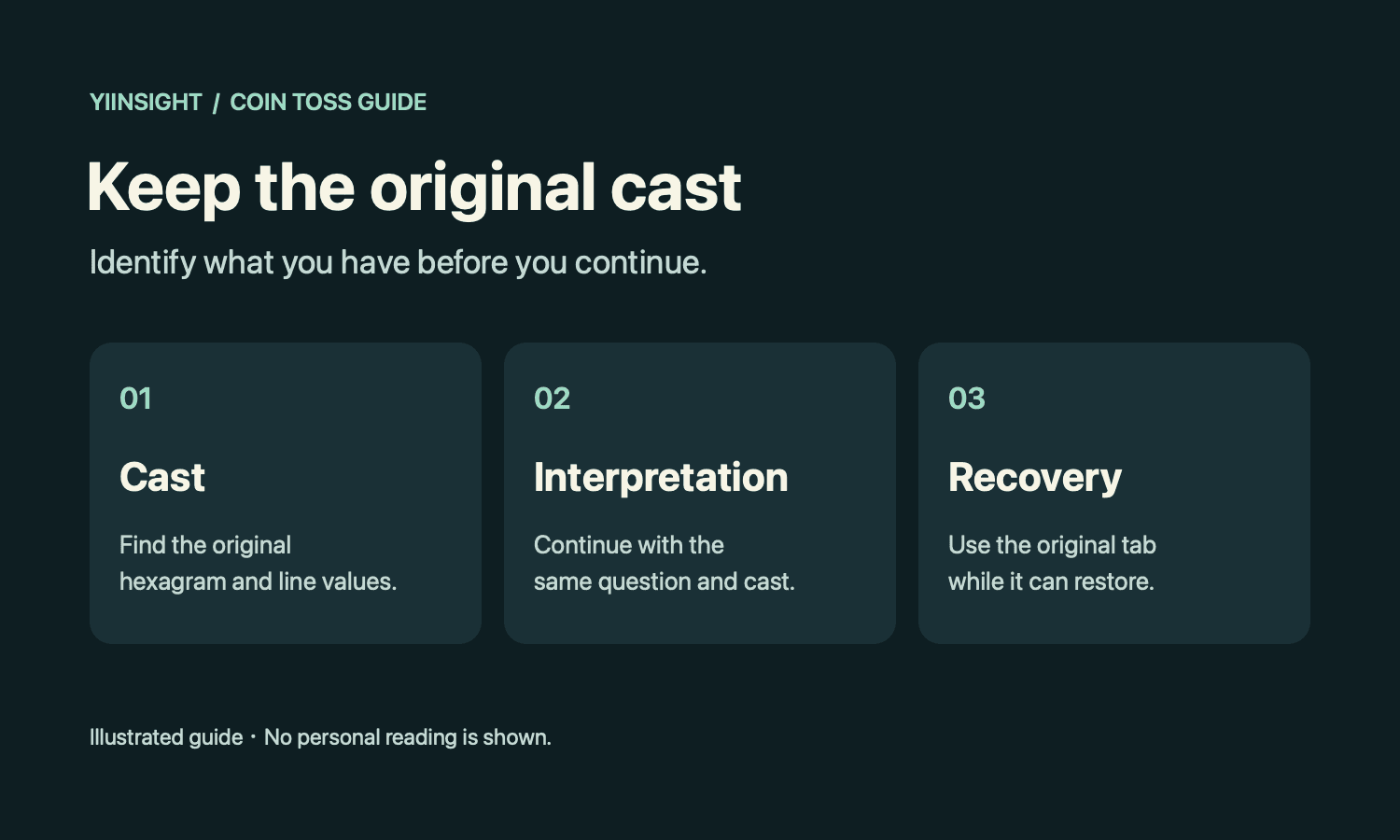
Overview
The online coin toss separates the hexagram from the interpretation of your question. The first can be visible even when the second has never started. Begin with what your tab shows. That tells you whether to restore the original result, open its interpretation, or work from the lines you recorded.
1. Match the screen to the next action
| What you see | What it means | What to do |
|---|---|---|
| A hexagram name and changing-line positions | The cast is available. The traditional meaning is general background. | Open Changing lines & recorded cast if you want to keep the six values. |
| Retry the same question and cast | The tool can retry the locked request. | Use that option if you are trying to finish the original request. |
| Read the interpretation or Sign in to read the interpretation | You can start the separate interpretation step for this cast. | Choose the button to continue with the saved question and cast. |
| Open your saved interpretation | The tool has an interpretation link for the cast. | Open that link to revisit the reading. |
| A message saying an older cast has no saved question | The cast is available to view only. | Keep its lines if you want a reference copy. |
2. Use the tab that made the cast
Go back to the same tab in the same browser. The coin-toss tool describes recovery for up to 24 hours using the tab’s browser storage and session cookie. The server keeps the question and cast together. The tab keeps recovery identifiers. Keep the browser data intact and stay with the same account if you were already signed in.
Refreshing that tab or skipping the animation keeps the same cast. If the page offers Try restoring again, use that before starting a different question. The public tool link carries neither the question nor the result. Opening it on another device cannot restore the private cast.
When the hexagram is visible, note the primary figure, changing positions, and six line values in a private place. Number the values from bottom to top so you know which one was recorded first. That small record helps you check the figure if the original tab later loses access.
3. Check whether the interpretation has started
Imagine that you cast a hexagram while signed out and see the general Traditional meaning paragraph. At this point you can read the source overview and inspect your lines. An answer tailored to your question has not been generated by the casting step.
If you want the interpretation, select Sign in to read the interpretation and complete the account step. The tool continues with the saved question and cast. If you are already signed in, select Read the interpretation. If an error leaves you on the result screen, check that the original cast is still visible before choosing the same interpretation action again. Starting a different question is a separate decision.
When you reopen the result, compare the hexagram and changing positions with your note. If the saved interpretation link is present, open it. A public hexagram source page can still be useful for reading the general background.
4. Identify the figure from your written record
If recovery is unavailable and you recorded all six values, use the coin calculator to identify the figure. Enter the first recorded value as line 1 at the bottom, then work up to line 6. Keep 6 and 9 as written because they carry the changing-line information. Check the displayed figure and changing positions against any note you kept.
This gives you a calculation from your record. It cannot retrieve the original question or interpretation. If a line value is missing, leave it unknown in your notes. A hexagram name alone may tell you the original figure, but without the line values or changing positions it does not tell you which lines changed. Keep any figure you calculate from a later cast in a separate record.
Key takeaways
- Keep the original tab and its browser data while you are restoring a cast.
- Look for the interpretation button or saved link to see what can happen next.
- Use six recorded values to identify a figure when the original tab is unavailable.
Conclusion
Use the visible state of the original tab to decide your next action. If it can restore the cast, keep working from that record. If you have only the six values, the calculator can identify the figure while the original question and interpretation remain separate.
Will refreshing toss the coins again?
Refreshing the original tab or skipping the reveal preserves the cast. An available same-request retry is different from choosing Ask a new question.
Does the free cast include a personal interpretation?
The free cast shows the hexagram and line information. To start the free AI interpretation of the saved question and cast, complete the account step if needed.
Can I recover my question using the calculator?
The calculator can identify the figure from the line values you enter. It does not retrieve the question you previously submitted or reopen its interpretation.
Sources
Reflect on one question
Frame a focused question before starting a new reading.
Explore YiInsight →